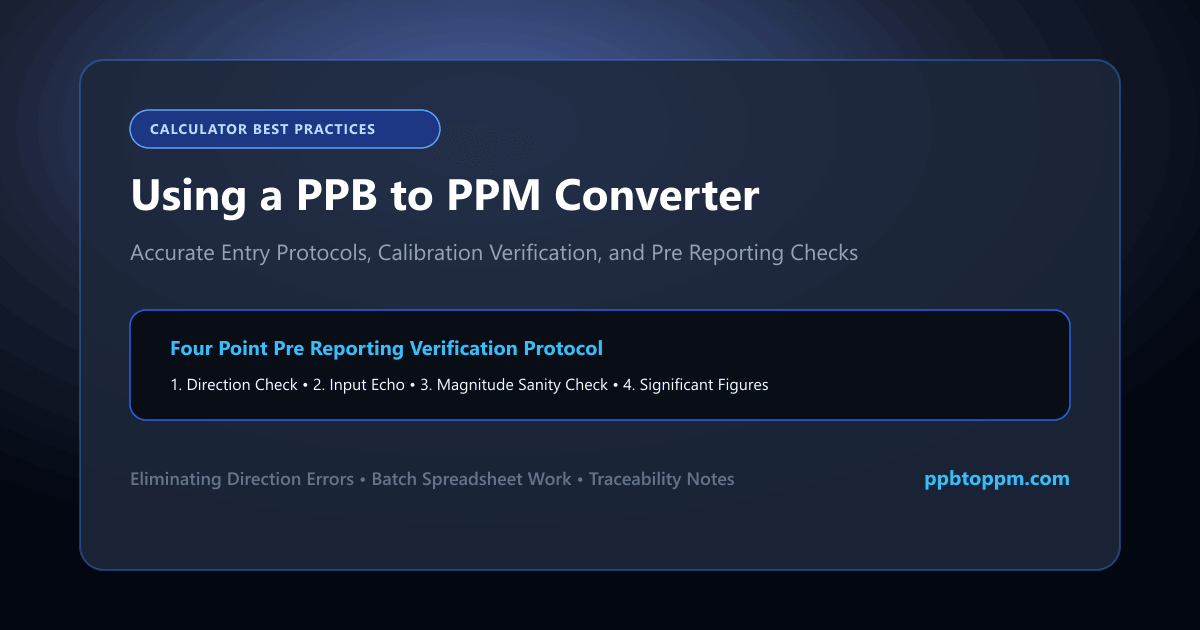
A ppb to ppm converter removes arithmetic error from a calculation you might otherwise do dozens of times daily. It only helps, however, if the input is correct and the output properly checked. This guide covers entry, verification and the checks worth running before any converted value enters a report.
What information should be entered into a PPB-to-PPM converter?
Most tools need only one value: the concentration in ppb. Enter the number alone, without the unit label, since text characters cause many online unit converter tools to reject the entry.
Confirm the conversion direction before typing. Bidirectional tools default to one direction, and selecting the wrong one produces a result one million times off target. Check the labels beside the input and output fields rather than assuming. This single verification catches the most consequential concentration input error before it happens.
How does an online concentration converter process the value?
The tool divides your entry by 1,000 and displays the result. That is the entire computation, performed instantly with no server round-trip in most browser-based implementations.
“There is no complexity hidden inside. It divides by a thousand.”
Some conversion tools offer additional units such as ppt, percent or milligrams per litre, applying the appropriate factor for each. The underlying logic remains identical: a fixed multiplication or division determined by the unit pair selected. Nothing about the substance or sample affects the automated calculation.
How can you check whether the conversion result is correct?
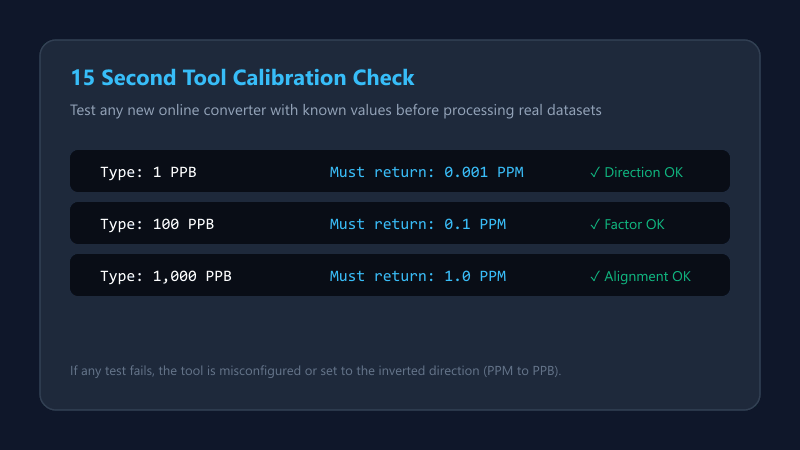
Test the tool with a value you already know. Entering 1,000 ppb must return exactly 1 ppm; entering 1 ppb must return 0.001 ppm.
| Test input | Expected output |
|---|---|
| 1 ppb | 0.001 ppm |
| 100 ppb | 0.1 ppm |
| 1,000 ppb | 1 ppm |
If any test fails, the tool is either misconfigured or set to the wrong direction. Run this check the first time you use any converter and again after any browser or settings change. It takes fifteen seconds and validates conversion accuracy completely.
How should decimal PPB inputs be entered?
The difference matters enormously. A decimal input of “2,5” interpreted as 25 rather than 2.5 produces a tenfold error that looks entirely plausible in the output. Enter 2.5 rather than 2,5, and verify the displayed input echoes what you intended before reading the result.
How can a converter handle very large or very small values?
Well-built tools switch to scientific notation support automatically at extreme magnitudes, displaying 5 × 10⁻⁷ rather than 0.0000005.
| PPB input | PPM output |
|---|---|
| 0.001 | 1 × 10⁻⁶ |
| 1,000,000 | 1,000 |
Weaker tools truncate instead, showing 0.00 for very small results. That behaviour is dangerous because it resembles a genuine zero. Test your chosen converter with a deliberately tiny value to confirm how it handles small values before relying on it for trace work.
How should the output unit be verified?
Read the unit label beside the result rather than assuming it. Bidirectional tools sometimes retain a previous selection, producing a correctly calculated figure in the wrong unit.
Apply a sanity check alongside. Your ppm figure must be numerically smaller than the ppb input, always. If the calculator result exceeds the input, the direction is reversed. This two-second check requires no arithmetic and catches the error reliably.
What role do significant figures play in the displayed result?
Calculators display whatever precision their settings allow, regardless of what your measurement supports. A 45 ppb input with two significant figures may return 0.0450000 ppm, implying precision that does not exist.
Round the displayed output to match your input before reporting. Some tools offer a significant figures setting, which is worth configuring once. Where no setting exists, apply the rounding manually according to your organisation’s documented rules rather than transcribing the full display.
How can a calculator reduce manual conversion mistakes?
Spreadsheet formulas extend this benefit to batch work. A single division formula copied down a column processes hundreds of values identically, eliminating the transcription risk that individual conversions carry. For laboratories handling volume, this approach reduces conversion error more effectively than any individual online calculation.
What should you check before using a converted value in a report?
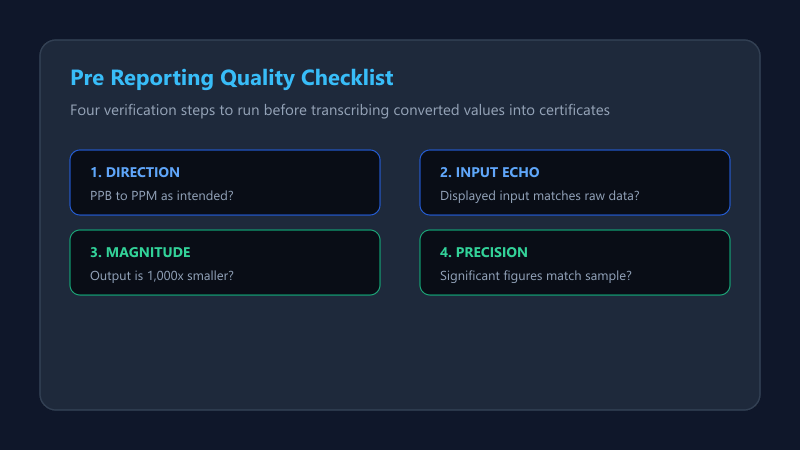
Run a short checklist rather than trusting the number directly. Four items cover nearly everything that goes wrong.
| Check | Question |
|---|---|
| Direction | ppb to ppm, as intended? |
| Input | Does the echo match what you typed? |
| Magnitude | Is the output smaller? |
| Precision | Do sig figs match the input? |
Document the conversion in the report itself, noting the original unit and the factor applied. This preserves traceability for reviewers and auditors, and distinguishes a deliberate conversion verification from an unexplained discrepancy.
Case Study: The Reversed Direction
A graduate researcher converted forty groundwater results using a bidirectional online tool. The direction selector had been left on ppm-to-ppb from a previous session, and the tool did not reset between entries. Every value emerged one million times too large, yet because all forty were affected equally, the internal consistency of the dataset masked the problem through two review rounds.
Conclusion
You now know how to use a ppb ppm conversion calculator without introducing fresh errors. Verify the direction, check the input echo, confirm the output is smaller, and match significant figures.
Test any new tool against known values before trusting it. A conversion validation step of fifteen seconds protects every figure that follows it into your report.